Baby monitors without internet: local apps explained
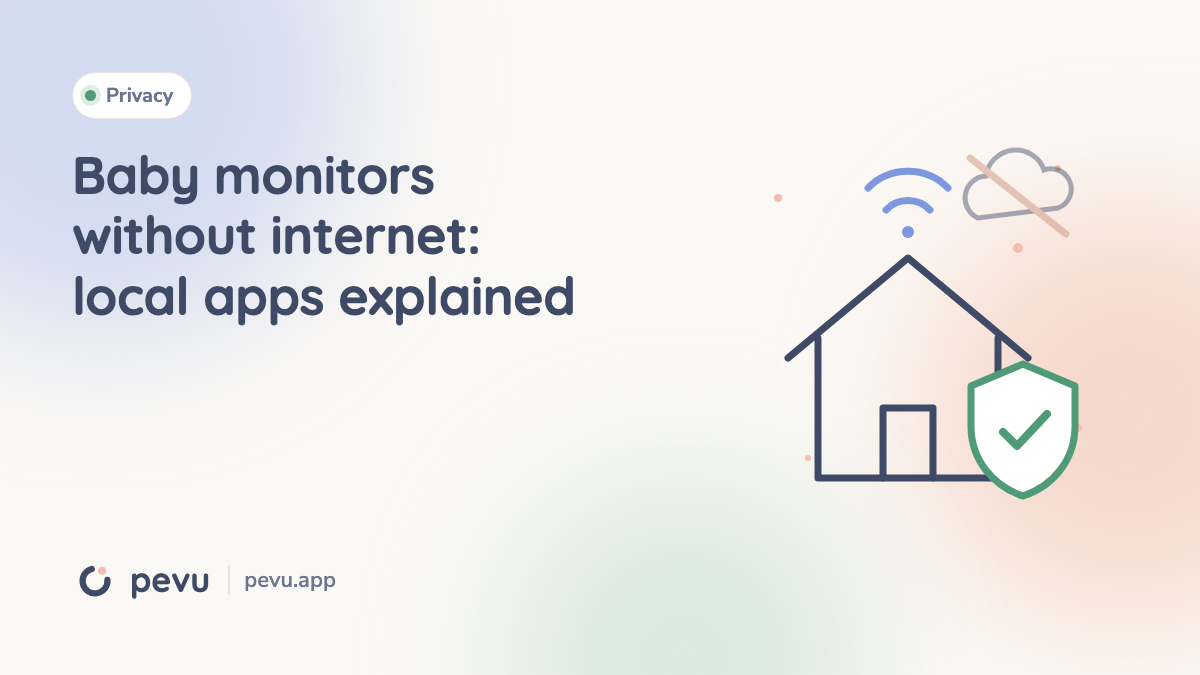
Updated September 16, 2026. Without cloud, without internet and without a subscription are different requirements. A purchasing decision should check each separately.
During an offline test, keep the Wi-Fi network running and disconnect only the router's internet connection. Switching off Wi-Fi tests a different failure.
Local streaming is only one part of the picture
Local audio and video remain inside the network. Remote access needs a route between networks, but a server might only arrange the connection, relay traffic or store recordings. The word cloud alone does not tell you which role it performs.
Likewise, encrypted transport is not the same as end-to-end encryption. A QR code is a pairing method, not proof of the entire security design. A locally streaming app may still need internet for purchases, updates or particular services.
Documented options
Cloud Baby Monitor describes local Wi-Fi without internet and optional remote access; it supports Android as well as Apple devices. Dormi documents Wi-Fi, mobile networks, hotspots and Wi-Fi Direct for Android. BabyCam uses the same Wi-Fi or Wi-Fi Direct on Android.
By contrast, the current Luna guide requires internet, and AlfredCamera requires both devices to be online. Pevu is designed for local monitoring and is preparing for release. Missing documentation for another app should not be turned into a claim that it is cloud-only.
Test an outage in four steps
- Establish a baseline. Pair devices on the private Wi-Fi network and check sound and video. A caregiver remains with the child.
- Disconnect only internet. Temporarily interrupt the router's WAN connection while leaving Wi-Fi active. Disable mobile data on both phones so it cannot mask the outage.
- Check a fresh session. Test the running stream, then end it normally and reconnect without internet. An existing session may survive while a new one needs a server.
- Test Wi-Fi loss separately. Disconnect one device from Wi-Fi and check the warning and recovery. This is a connection failure, not just an internet outage.
A successful test applies to that app version and configuration. It does not independently prove how encryption or servers work.
Check privacy and network settings separately
Guest Wi-Fi and client isolation can block communication between devices with the same network name. Hotel login portals introduce another dependency; a supported private hotspot may help, but requirements vary by device.
Ask whether an account is necessary, whether recordings exist, who can view them, how invitations are revoked and when stored data is deleted. Keep devices updated. Local operation reduces dependence on internet connectivity; it does not make equipment immune to faults.
Use the full comparison, setup guide and battery checklist alongside the linked provider documentation.