Set up an old phone as a baby monitor: practical checks
Updated September 16, 2026. Two suitable phones can replace an extra camera, but seeing the first live picture is only the beginning. Sound, placement, power and interruptions need testing.
Pevu is preparing for public release. Its steps below describe the current design, not an already available store download.
What you need
- Two supported devices: working microphones, a camera for video and preferably current security updates.
- The right connection: a private network for local apps, or the internet access required by the chosen provider.
- Stable placement and power: a suitable stand, intact chargers and cables outside the child's reach.
The comparison helps select an app. Dormi and BabyCam target Android; Cloud Baby Monitor also supports Android; Luna targets iPhone/iPad. Nanit and similar companion apps need matching camera hardware.
Setup and first test
- Prepare the devices. Update the operating system and chosen app. Grant microphone, camera and local-network permissions as needed.
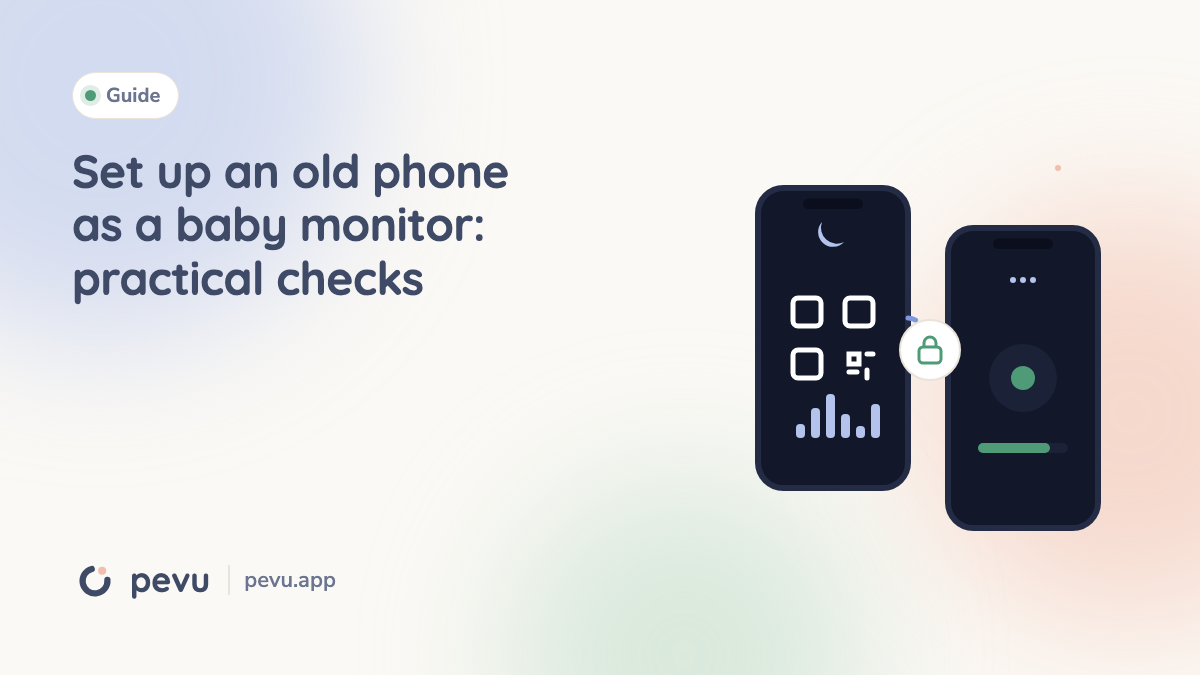
- Assign roles and pair. One device stays by the child, the other with the caregiver. Pevu starts with audio on the baby device; scan its QR code inside Pevu on the parent device.
- Enable the needed features. Pevu Full enables video from the parent device and additional baby units. Full is required from the second baby unit; up to four are supported.
- Test actual positions. Place equipment securely outside the cot and check sound where the parent will be. Pevu recommends at least one metre of separation and inaccessible cables.
- Test interruptions. Lock the parent screen, use another app and test a call. Then deliberately disconnect the baby device and check the audible warning and reconnection.
A caregiver stays with the child throughout testing. Before each use, check sound, volume and connection. Never assume silent mode or Do Not Disturb will always be overridden.
Common problems
Devices cannot find each other: guest networks may isolate clients. Check local-network permission and router settings. A hotspot only helps if the app and devices support that arrangement.
Video stops on a locked iPhone: Pevu's baby app must stay in the foreground for video. Test audio separately; a dim screen is not necessarily a stopped stream.
The image is dark: ordinary phones do not automatically have dedicated infrared night vision. Check the real view without moving equipment into the child's reach.
Heat or low battery: improve placement and use the battery test. Never cover charging equipment with bedding. Follow the CPSC cord guidance.
Repeat the short sound and connection check after updates or network changes. Remote access does not replace an on-site caregiver. The Pevu guide and offline test cover further details.