Phone baby monitor battery life: measure your own setup
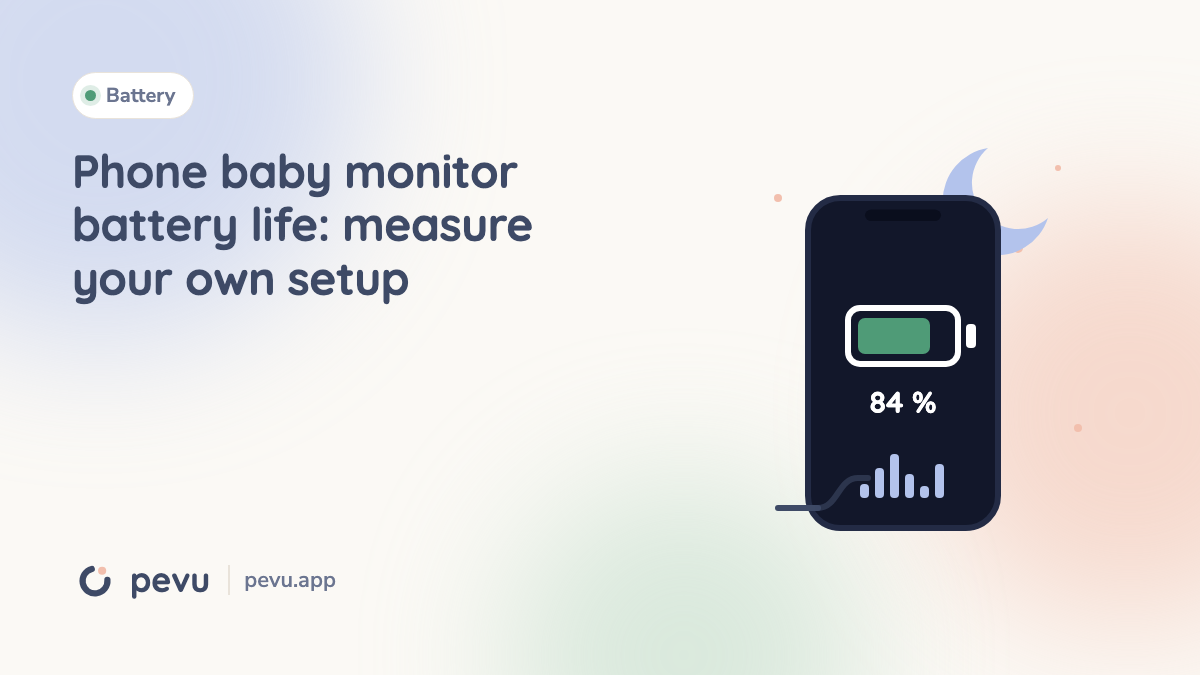
Updated September 16, 2026. There is no single battery-life figure for an old phone used as a baby monitor. Battery condition, the device, connection and operating mode all matter. We have not measured a universal five or fifteen percent drain per hour and do not present those numbers as benchmarks.
What changes power consumption?
The camera, video encoding, screen and wireless connection draw power. An aged battery has less usable capacity. Weak reception, heat and other apps also change the result. Measure the parent phone as well as the baby device.
Hiding a video window does not necessarily stop the camera. Pevu starts the baby device with audio; the parent enables video with Pevu Full. For Pevu video on an iPhone, the baby app must remain in the foreground, though its display can dim. See the current guide.
A repeatable home test
- Record conditions. Note device, battery condition, app version, brightness, Wi-Fi location and audio/video mode.
- Measure one hour. Unplug the charger and record starting and ending percentages under the intended usage. A caregiver stays with the child.
- Repeat separately. Test audio and video in separate runs, including the parent device. Do not choose only the best result when readings vary.
- Keep a reserve. Choose a conservative minimum charge and recharge early. A short test cannot guarantee an entire night.
Illustration only, not a product measurement: a fall from 80% to 72% in one hour is eight percentage points per hour. From 80% down to a chosen 30% reserve, a linear estimate is 50 ÷ 8 = 6.25 hours. Temperature, reception and battery aging can make this estimate inaccurate.
Charging and placement
Use intact, compatible charging equipment according to the device manufacturer's guidance. Place the phone and adapter on a stable, ventilated surface, away from bedding. Do not use a swollen, damaged or unusually hot battery. Apple explains temperature warnings and interrupted charging.
Keep the device and every cable out of the child's reach. The CPSC warns about monitor-cord strangulation; Pevu's guide recommends at least one metre of separation. Recheck placement as the child grows.
Power saving must not disable monitoring
After changing battery-saving settings, test the parent phone with its screen locked, another app open and a controlled connection loss. Charging prevents an empty battery, not every interruption.
Dedicated cameras commonly use mains power, while their parent apps still consume phone battery. Compare the whole setup using the app and camera comparison and setup guide. This article does not rank apps by unmeasured battery performance.