Baby monitor app for iPhone and Android: how to connect both phones
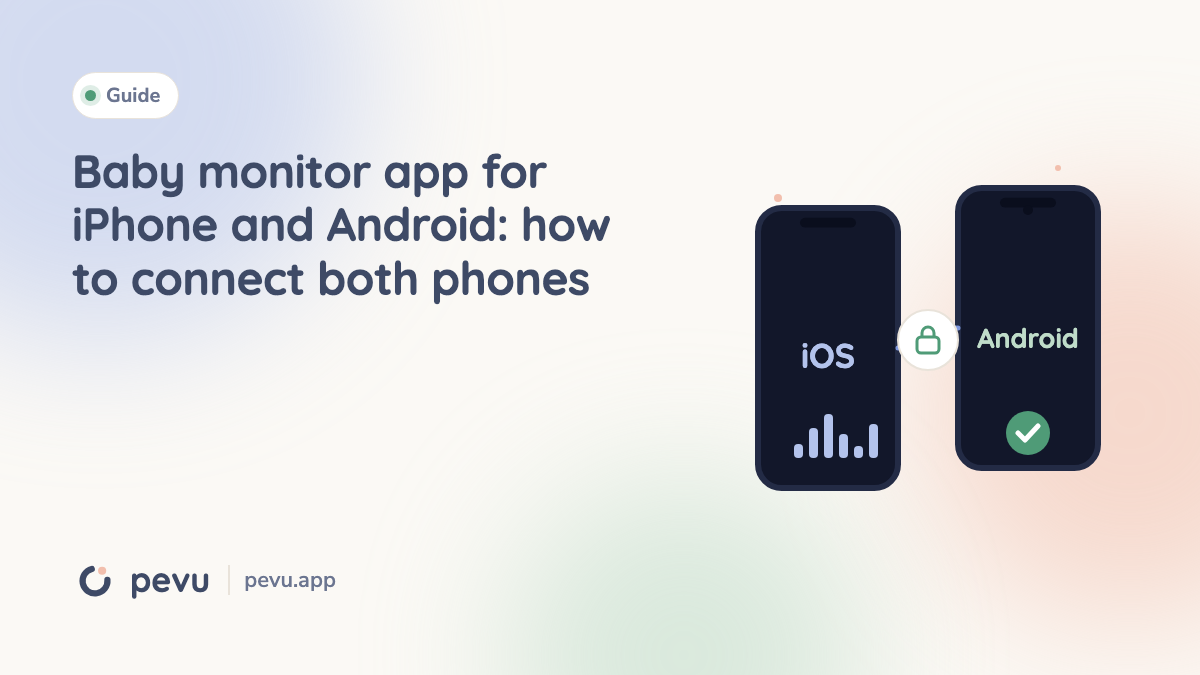
In a lot of homes this is exactly the mix on the kitchen table: your own phone is an iPhone, and in a drawer there is an older Android phone from your partner, a grandparent or a previous contract. A baby monitor app that links the two saves you buying anything. Whether it works well depends on more than the app store listing, though.
A baby monitor app for iPhone and Android has to exist on both systems and in both roles, as the device with the baby and as the device with you. On top of that, iPhone and Android behave differently at night. Android lets an app keep the camera and microphone running with the screen off, while a locked iPhone only sends sound. That is why an Android phone often makes the better baby device and the iPhone the better parent device.
Why mixed pairs are the normal case
Almost nobody uses two identical phones as a baby monitor. The one in the nursery is usually a spare: retired, with a tired battery, sometimes with a cracked screen. It only needs to listen, film and send over your WiFi. The one with you is your everyday phone, which you carry anyway.
That is where many attempts fail at the first step. Some apps only exist for one system, some only in one role, and some want an account on both sides. When you search the App Store, you cannot always tell whether the app has a matching version for the Android phone.
What an app for iPhone and Android has to do
Five things decide whether the pair works day to day:
- Both systems, both roles. The app has to exist for iOS and Android, and each device has to work as either baby device or parent device. Otherwise you are stuck with one direction.
- Pairing without detours. A QR code or a short code is enough. An account on both phones is not needed for a connection on your own WiFi.
- Sound in the background. The parent device has to keep playing sound with the screen off or another app in front.
- An alarm that gets through. If the connection drops, the parent device has to get loud, even on silent or with Do Not Disturb on.
- An honest status. You need to be able to tell whether the nursery is really quiet or whether nothing is arriving at all.
The last three sound obvious. They are exactly where iPhone and Android work differently.
Where iPhone and Android differ in the nursery
| Question | Android as baby device | iPhone as baby device |
|---|---|---|
| Sound with the screen locked | keeps running | keeps running |
| Camera picture with the screen locked | keeps running, with a permanent notification | not possible, the screen stays on (dimmed) |
| Own network without a router | own hotspot, even without a SIM | Personal Hotspot only with a SIM |
| Room temperature | only if the phone has a temperature sensor | no interface |
The biggest difference is the picture. iOS does not allow apps to use the camera in the background. An iPhone as baby device can only send video while the app is in front and the screen is on. Good apps dim the screen almost to black for that. Sound alone keeps running on a locked iPhone.
Android allows camera and microphone in the background when the app starts a so called foreground service. You recognize it by a permanent notification in the status bar. That is on purpose: Android shows you that something is recording and sending.
Which phone should take which role
The table leads to a simple rule of thumb: the Android phone goes in the nursery, the iPhone stays with you.
- In the nursery, what matters is that camera and microphone run reliably and the screen stays dark at night. Android is better at that.
- With you, what matters is that sound and alarms arrive while you cook, read or sleep. An iPhone can also show a Live Activity on the lock screen and pass the status to an Apple Watch.
It works the other way round too, with one limit: an iPhone as baby device needs its screen on for the picture and therefore almost always a charger. For a night with sound only, that does not matter.
How to test the pair before the first night
- Prepare both phones. Install the current app version, put both on the same WiFi, plug the baby device into a charger. On the Android phone, turn off battery optimization for the app if the system asks.
- Pair them. Choose the baby role on the nursery phone and scan the code on the parent phone. The status should turn green within a few seconds.
- Check the background. On the parent phone, open another app and lock the screen. Talk quietly in the nursery or play a music box. Does the sound still arrive?
- Cause a dropout. Turn off WiFi on the baby device for a moment. The parent device must warn you loudly within seconds, even in silent mode.
- Check the reconnect. Turn WiFi back on. The connection should come back without you tapping anything.
If the whole thing takes longer than ten minutes or one point stays red, the cause is rarely the iPhone and Android combination. It is usually the network: guest networks and some mesh systems keep devices apart. More on that in the guide to baby monitor apps without WiFi.
Where Pevu stands
Pevu was built for mixed pairs from the start: iPhone, iPad and Android, every device in either role, paired with a QR code, no account and no cloud. Picture and sound go directly from device to device through your WiFi and are encrypted end to end. The parent device checks the connection every second. If three heartbeats in a row are missing, the screen turns red and an alarm sounds that overrides silent mode and Do Not Disturb.
To be straight about where we are: Pevu has been on the App Store for iPhone, iPad and Apple Watch since 22 September 2026. The Android app is in closed testing and coming to Google Play soon. Until then, Pevu works between Apple devices.
Free: sound from one baby device, the alarms for noise, connection loss and low battery, talk back, soothing sounds and the night light. Pevu Full adds the camera picture, travel mode and up to four baby devices. The purchase covers the household: you pay once on the parent device, and the connected baby devices are included, iPhone or Android.
Frequently asked questions
Can I connect an iPhone and an Android phone as a baby monitor? Yes, if the app exists for both systems and both phones are paired in the same app. They need to be on the same WiFi or linked through a hotspot.
Which phone should stay with the baby? If you want the camera picture, preferably the Android phone. Android can keep the camera and microphone running with the screen off, a locked iPhone only sends sound.
Do I need internet for this? Not for a local app. The WiFi has to be on, but the router does not need an internet connection. Without a router, a hotspot from one of the phones helps.
Do I need to pay twice if one phone is an iPhone and one is Android? That depends on the app. With Pevu, the purchase on the parent device covers the connected baby devices, whatever system they run.
Can I use an old Android phone without a SIM? Yes. The baby device only needs WiFi. You only need a SIM if an iPhone is supposed to provide the hotspot when you are away from home.