Is there a baby monitor mode on iPhone? Sound Recognition, Live Listen and their limits
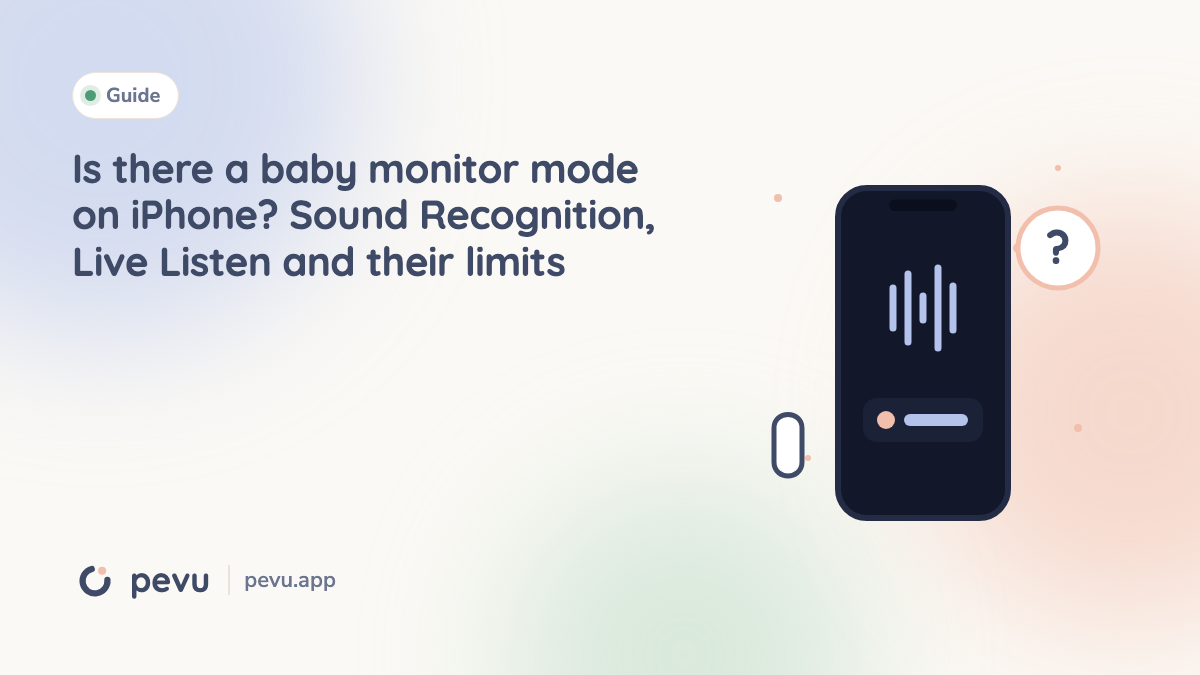
People searching for "baby monitor mode iPhone" are hoping for a hidden switch in Settings. There isn't one. There are two built in features that often get described that way, though: Sound Recognition and Live Listen with AirPods. Both are clever and both have limits you should know before trusting them at night.
The iPhone has no built in baby monitor mode that links two devices. Sound Recognition can detect a crying baby and show a notification on that same iPhone. Live Listen turns the iPhone into a microphone for AirPods. Apple explicitly advises against relying on Sound Recognition where someone could be harmed. For real monitoring from one room to another you need a baby monitor app or a baby monitor.
Sound Recognition: a crying baby as a notification
Since iOS 14 the iPhone can recognize certain sounds and notify you. They include doorbells, smoke alarms, sirens and a crying baby. You find it in Settings under Accessibility, in the Sound Recognition section (called Sound & Name Recognition in newer iOS versions). Turn it on and pick "Baby Crying" under Sounds. The first time, the iPhone downloads the recognition models it needs.
What happens then: the iPhone listens through its own microphone, recognizes the pattern and shows a notification with vibration on that same iPhone. Recognition happens on the device.
The feature was designed for people who are deaf or hard of hearing. For hearing parents it is an interesting extra, but not a baby monitor:
- The notification arrives where the iPhone is. If it lies next to the baby, you do not see the notification. If it lies next to you, the crying has to be loud enough to get through the wall and door.
- Quiet sounds slip through. It reports what the iPhone recognizes as crying. Soft whimpering or rustling before waking is not part of that.
- No sign of a fault. If the iPhone hears nothing, nothing happens. You cannot tell whether it is quiet or whether the feature is not running.
Apple says in its Sound Recognition guide that the feature should not be relied on in circumstances where you may be harmed or injured, in high risk or emergency situations, or for navigation.
Live Listen: the iPhone as a microphone for AirPods
Live Listen is really a hearing aid feature. The iPhone picks up sound through its microphone and sends it over Bluetooth straight into AirPods, Beats headphones or compatible hearing devices. You start it from Control Center with the Hearing control, which you add there once.
Put the iPhone in the nursery and AirPods in your ears in the living room, and you really do hear the room. As a stopgap for ten minutes that can work. For a night or a long nap it does not, for three reasons:
- Bluetooth range. One or two walls away it often stops, and then you simply hear nothing.
- No alarm. If the connection drops, nobody tells you. The silence sounds exactly like a sleeping baby.
- You have to wear the earbuds. That is impractical for sleeping, cooking or showering, and AirPods last a few hours on a charge.
FaceTime as a baby monitor
A third stopgap many people try: a FaceTime call between two Apple devices, one in the nursery, one with you. It works with picture and sound, but has its own catches. The call runs over the internet, it can end without warning, and the nursery device glows brightly the whole time if you want the picture.
What a baby monitor does that these tricks do not
All three stopgaps share the same problem: they do not tell you when they stop working. Yet that is the most important property of a baby monitor. Silence has to be trustworthy.
| Sound Recognition | Live Listen | FaceTime | Baby monitor app | |
|---|---|---|---|---|
| Two devices, two rooms | no | yes, over Bluetooth | yes | yes |
| Hears quiet sounds | no | yes | yes | yes |
| Alarm when the connection drops | no | no | no | yes, in good apps |
| Needs internet | no | no | yes | no, with local apps |
| Made for a whole night | no | no | no | yes |
If you already have two Apple devices
An old iPhone or iPad is enough as the nursery device. It needs no SIM, only WiFi. With a baby monitor app the two become a real pair with a status and an alarm.
Pevu is built for exactly that. One device stays with the baby, one with you, paired with a QR code and no account. The parent device checks every second that the connection is there. If three heartbeats are missing, the screen turns red and an alarm sounds that overrides silent mode and Do Not Disturb. Pevu then reconnects by itself, usually in under ten seconds.
On the iPhone, a Live Activity shows the status on the lock screen and in the Dynamic Island. On the Apple Watch you see the status in plain words, the sound level, the baby device's battery and, with the camera on, a picture. The watch vibrates on an alarm. There is deliberately no sound on the watch, that comes from the iPhone.
Sound, alarms and talk back are free. Pevu is on the App Store. If an Android phone should join in, read the guide to baby monitor apps for iPhone and Android.
Frequently asked questions
Does the iPhone have a built in baby monitor feature? No. There is no mode that links two iPhones as a baby monitor. Sound Recognition only reports a crying baby on the same iPhone.
Where do I find Sound Recognition? In Settings under Accessibility, in the Sound Recognition section. Turn it on and choose "Baby Crying".
Can I hear my baby with an iPhone and AirPods? With Live Listen, yes, as long as the Bluetooth connection reaches and you wear the AirPods. If the connection drops, there is no warning.
Can I use an old iPhone without a SIM as a baby monitor? Yes. With a baby monitor app, the nursery device only needs WiFi.
Does the Apple Watch show when my baby cries? With a suitable app, yes. Pevu shows the status, sound level and battery on the watch and vibrates on an alarm. You hear the sound through the iPhone.