Baby monitor app without WiFi: what works in hotels, rentals and with no router
At home a baby monitor app is easy: both phones on the same WiFi, done. It gets interesting where there is no WiFi, or where the WiFi that exists does not play along. A rental without a router, a hotel room with a login page, a camper, the far end of the garden.
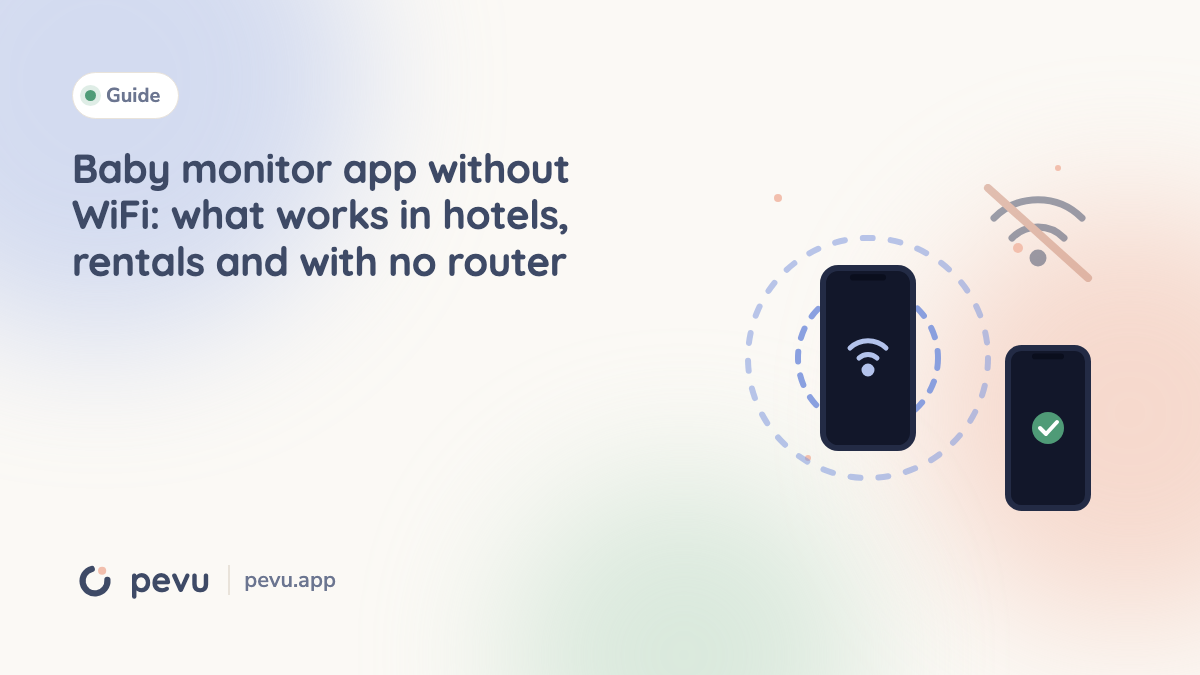
Without WiFi, a baby monitor app needs another path between the two phones. The three realistic options are a hotspot that one of the phones creates itself, mobile data with a server in between, or Bluetooth. Your own hotspot is usually the best choice: it needs no internet, uses no data allowance for the stream and reaches about as far as normal WiFi. Bluetooth is too slow for video.
No WiFi and no internet are two different things
Plenty of apps say they work "without internet". That almost always means the two phones need a shared WiFi network, but the router does not have to be online. If your internet goes down at night, the monitor keeps running. If there is no WiFi at all, that does not help.
"Without WiFi" is the harder question. The network the two phones use to find each other is missing, so something has to replace it.
Option 1: one phone creates its own small network
This is how Pevu's travel mode works:
- An Android phone as the network host. Android can create a local hotspot meant only for nearby devices. It needs no SIM card and no mobile plan. Android asks for the nearby devices or location permission for this. That is an Android rule for local networks, not location tracking by the app.
- An iPhone with a SIM as the network host. An iPhone can open a network through Personal Hotspot, but only with a SIM and a plan that allows hotspot use. Apple does not let apps switch that hotspot on, so you type its name and password into the app once.
- Two iPhones without a SIM cannot create a shared network on the road. You then need an Android phone or an iPhone with a SIM as the host.
The other phone joins the hotspot and the stream runs through that small network. The data between the two phones stays local. It never goes to the internet, so the stream itself does not use your mobile data.
One thing that confuses people the first time: the joining phone often says "No internet connection". That is correct. This network only exists for your two phones.
Option 2: mobile data and a server in between
Some apps send picture and sound over the cellular network to a server and from there to the other phone. That works across any distance, for example if one parent wants to listen in from work.
The cost:
- Both phones need internet, meaning reception and data.
- If the signal drops on either side, the connection is gone, even if you are two rooms apart.
- Picture and sound pass through a provider's infrastructure. Whether anything is stored there is something you have to check in the privacy policy.
For a rental where you are sitting on the terrace next door, that is a long detour.
Option 3: Bluetooth
Bluetooth sounds obvious because it needs no network. In practice it does not work for a baby monitor with a picture. Regular Bluetooth Low Energy reaches roughly ten to thirty meters indoors and carries far too little data for video. The long range variants are not available to apps on the iPhone. For sound over a short distance Bluetooth can be enough, for video it is not.
The three options side by side
| Own hotspot | Mobile data with server | Bluetooth | |
|---|---|---|---|
| Needs internet | no | yes, on both phones | no |
| Data allowance for the stream | none | yes | none |
| Range | about like WiFi | unlimited with reception | short |
| Camera picture | yes | yes | no |
| Depends on a provider's server | no | yes | no |
Hotel WiFi: why it often fails even though it is there
Hotels have WiFi, but it is rarely built for this. Many hotel networks keep guests' devices apart so nobody can reach a stranger's laptop. This is called client isolation. For a baby monitor it means both phones are online but cannot see each other. Add login pages that expire after a few hours and connections that slow down in the evening when everyone is streaming.
That is why your own hotspot is usually the more reliable choice in a hotel too. You do not depend on the login page, the isolation or how busy the network is.
Range: what to expect
A phone hotspot reaches about as far as a WiFi router in an apartment, often a little less. Concrete walls, underfloor heating, metal doors and mirrored cabinets weaken the signal a lot. Wood and glass much less.
A few rules that help when you set things up:
- Put the network host where you will be, not in the nursery. Then the phone in your hand carries the network and the baby device just sits on the shelf.
- Keep as few walls as possible between the phones, and if there is one, a door is better than an outside wall.
- Before the first evening, walk through every room you will be in with your phone. The app's signal indicator shows where it gets thin.
How to test travel mode at home first
- Forget or switch off WiFi on both phones. That way you know the hotspot is really being used.
- Pick the host. Ideally your own phone, if it is an Android phone or an iPhone with a SIM.
- Scan the code. The other phone scans the code in the app and joins the network.
- Walk the range. Carry the parent device through the apartment, the stairwell and the garden and watch the signal indicator.
- Test a dropout. Walk too far on purpose once. The parent device must warn you loudly and reconnect by itself when you come back.
How Pevu handles it
At home Pevu runs on your own WiFi, and a router without internet is fine. On the road there is "Connect without WiFi": an Android phone or an iPhone with a SIM creates a network just for your devices and shows a code, the other phone scans it and connects. Every step shows a check mark or explains what went wrong.
With several baby devices, it works best if your own phone hosts the network and all baby devices join it. An iPhone hotspot handles about five devices at once.
Travel mode is part of Pevu Full. Sound, alarms and talk back on your own WiFi are free. Pevu is on the App Store for iPhone and iPad, and the Android app is in testing and coming to Google Play soon.
If you only want to know whether your monitor survives an internet outage, read the guide on baby monitors without the cloud. How well an iPhone and an Android phone work together is covered in baby monitor app for iPhone and Android.
Frequently asked questions
Does a baby monitor app work with no WiFi at all? Yes, if one of the phones creates its own small network, a hotspot. Alternatively, some apps run over mobile data and a server.
Does the hotspot use my data allowance? The stream between the two phones stays in the local network and uses no data. Data is only used if a phone goes online for something else at the same time.
Does it work with two iPhones without a SIM? No. An iPhone cannot run Personal Hotspot without a SIM. You need an Android phone or an iPhone with a SIM as the host.
Why does my baby monitor app not work on hotel WiFi? Many hotel networks keep guests' devices apart. Both phones are online but cannot see each other. Your own hotspot gets around that.
Is Bluetooth enough for a baby monitor? Sometimes for sound over a short distance, not for a camera picture. The data rate is too low and the indoor range is short.